

Links on Basic Starter Kit may earn us a commission. Thank you for your support. Learn more
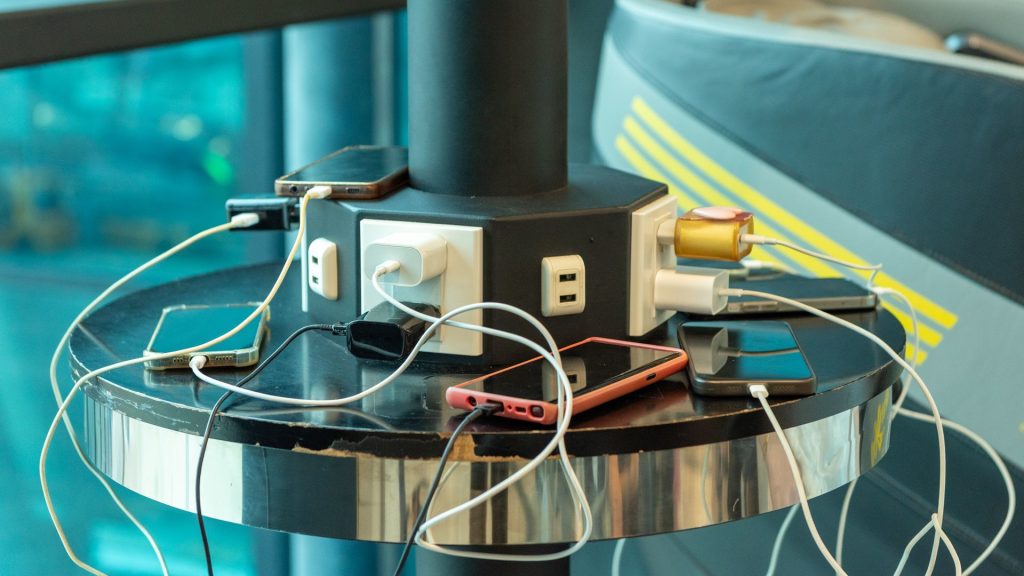
Every day, we’re surrounded by our devices, and it can be overwhelming trying to keep track of multiple chargers. Instead of fussing with multiple cables for your USB-powered gear, why not set up a powerful charging station or two?
In this guide, we’ll explore the different options available to help you streamline your device management and simplify your life.
Whether you’re looking to manage your smart home devices or simply reduce clutter in your office or home.
Best for Smart Home Automation and Energy Monitoring: SwitchBot Smart Plug Mini
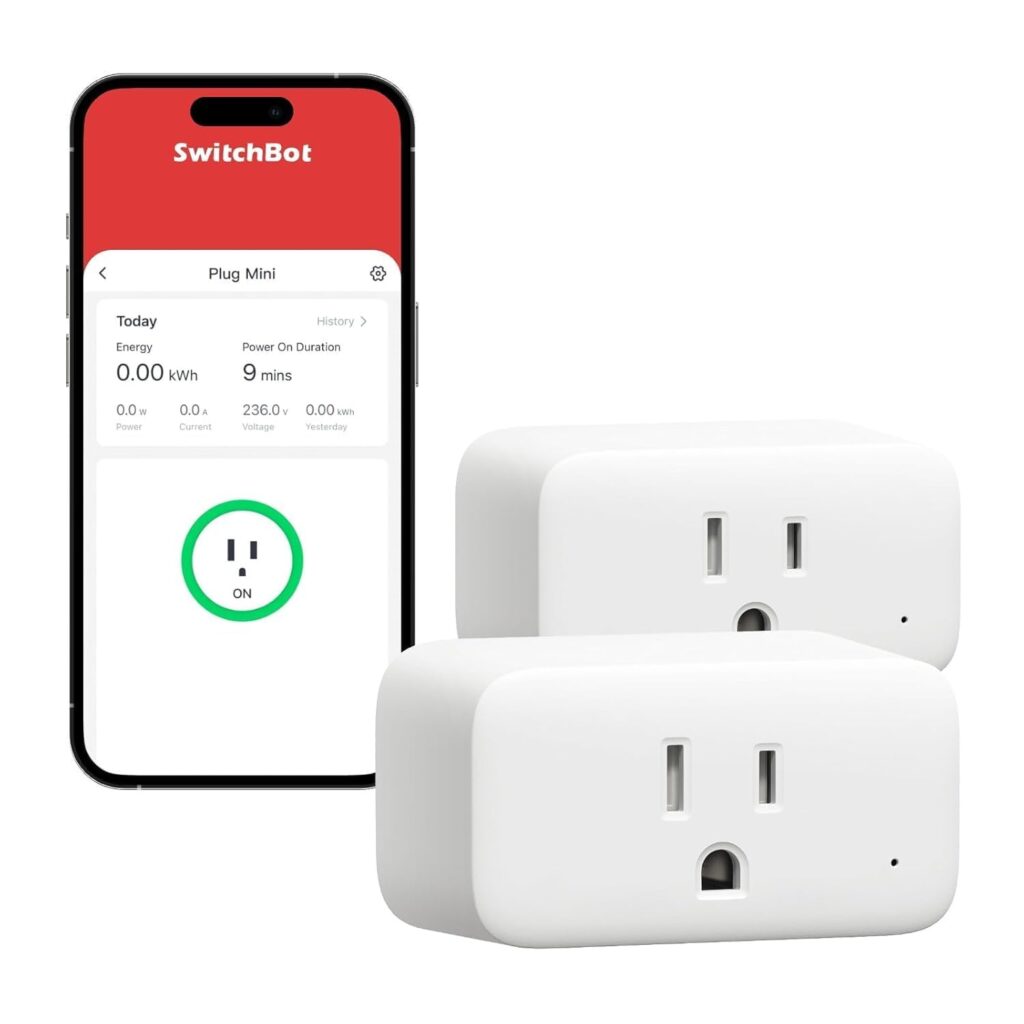
SwitchBot Smart Plug Mini
A compact smart plug with energy monitoring and automation features.
For those already invested in a smart home ecosystem, the SwitchBot Smart Plug Mini can be an excellent addition.
With its real-time energy monitoring and automation features, it’s easy to set up and use – even for beginners.
While not perfect, we’ve found it works well with Home Assistant and Echo Dot.
Pros:
- Easy to set up: Works seamlessly with popular smart home assistants.
- Convenient features: Includes scheduling, remote control, and energy monitoring capabilities.
- Good energy monitoring: Helps you keep track of your electricity usage.
Best for Multiple Device Charging: 20-Port 690W Charging Station for Multiple Devices
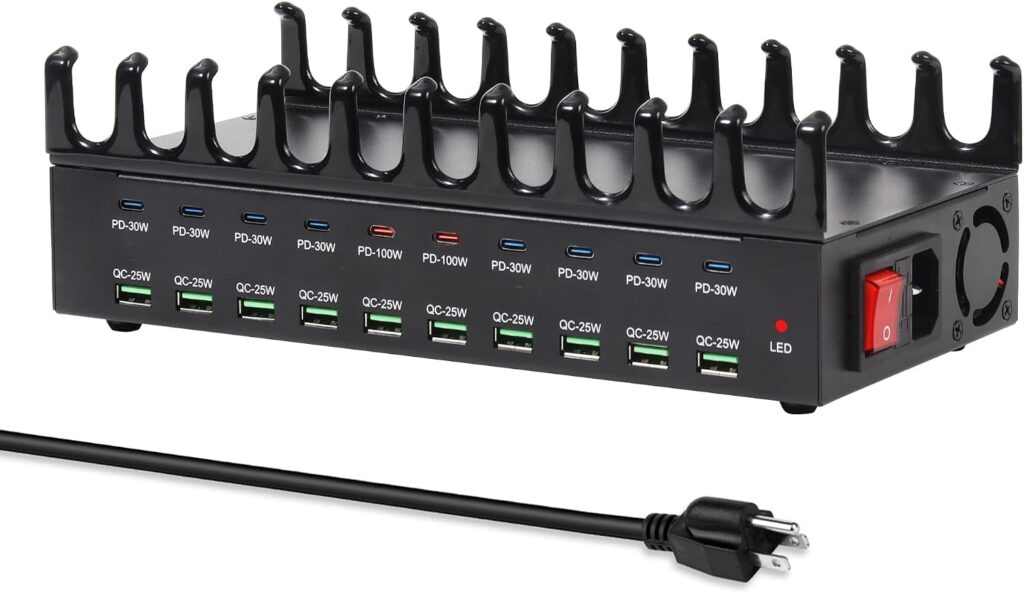
20-Port 690W Charging Station for Multiple Devices
Centralized hub for multiple device charging, with safety features and high power output.
For those who need to charge multiple devices at once, a centralized hub like this one can be a godsend.
With its safe features and high power output, it’s suitable for offices, studios, or busy households.
Premium metal alloy housing with heat dissipation ensures reliable operation.
Pros:
- Fast charging speeds: Supports multiple devices simultaneously for efficient use of time.
- Versatile support: Compatible with various devices and suitable for different environments.
- Good ownership experience: Excellent 24/7 customer support ensures any issues are quickly resolved.
Best for Desktop Use Only: Anker Prime Charging Station
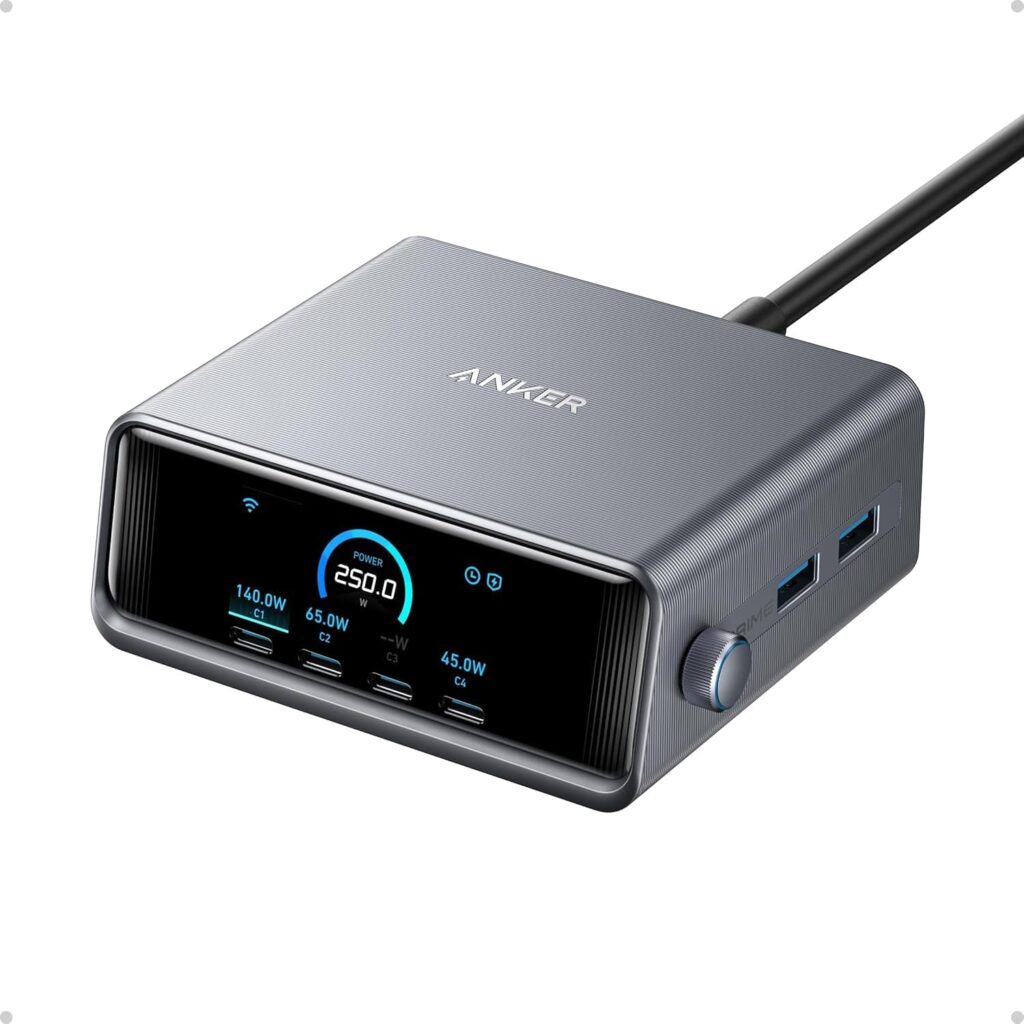
Anker Prime Charging Station
A fast and safe 6-port USB C charger with LCD display.
For those who only need to charge a few devices at home, this compact charger might be the perfect fit.
Its fast charging capabilities and LCD display make it easy to track your device’s status.
Supports multiple devices simultaneously for efficient use of time.
Pros:
- Fast charging: 250W GaN technology provides rapid power delivery.
- LCD display: Real-time updates on device status and progress.
Best for USB-C Devices and Chargers: Anker USB C to USB C Cable
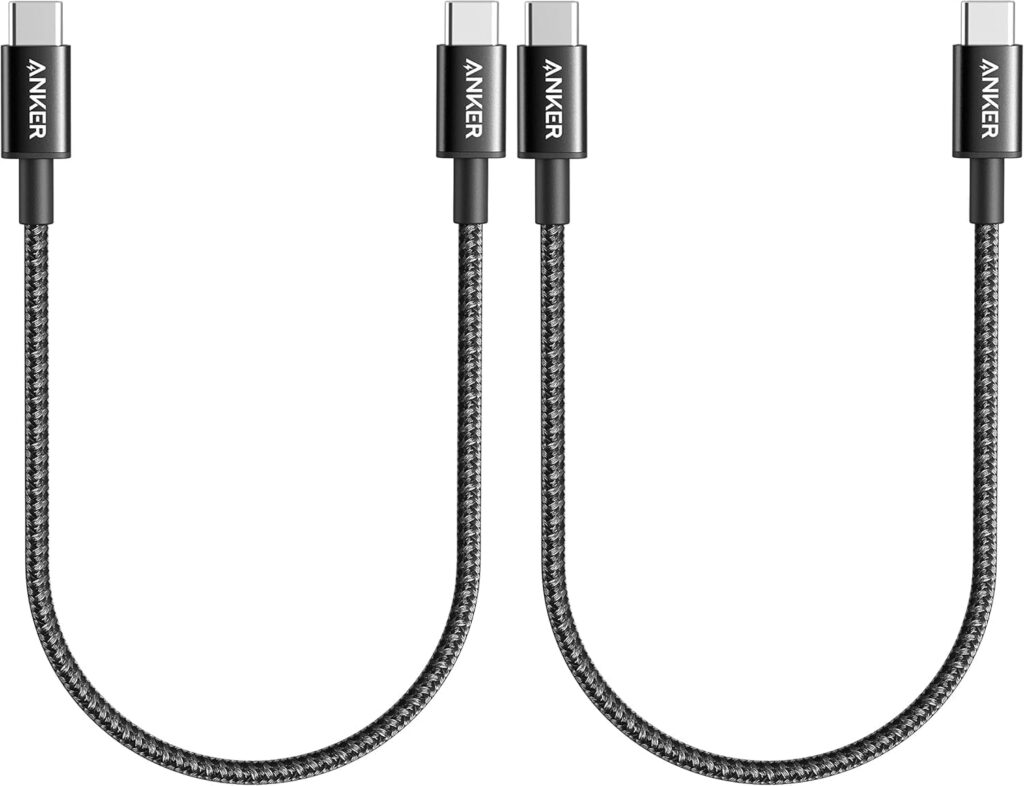
Anker USB C to USB C Cable
A reliable and fast charging USB-C cable.
When it comes to managing your USB-C devices, a reliable cable is essential – especially if you’re using fast charging.
Anker’s offering is well-made, sturdy, and has good reach with its 6-foot length.
However, we’ve experienced some reliability issues after just two months of use.
Pros:
- Well-made: Reliable construction for long-term use.
- Fast charging: Capable of fast charging capabilities.
- Sturdy construction: Enough length to handle most situations.
Cons:
- Reliability issues: Cables stopped working after only two months.
By incorporating a tech charging station into your daily routine, you’ll be able to reduce clutter and streamline your workflow.
Remember to consider your specific needs before selecting the best product for you.
Hope this guide has helped simplify your life with efficient device management.


